Contacts
Afi backup for Google Contacts includes all user contacts together with all the corresponding metadata (photo, addresses, phones, website, notes, etc.) and preserves contact labels structure.
Browse

Search
Use the search box to search contact details such as names, addresses, phone numbers, and notes. For phone numbers, you can enter just a few consecutive digits.
This example finds contacts with Northwind in any of their fields:

Another example finds contacts with 20255501 in one of their phone numbers:

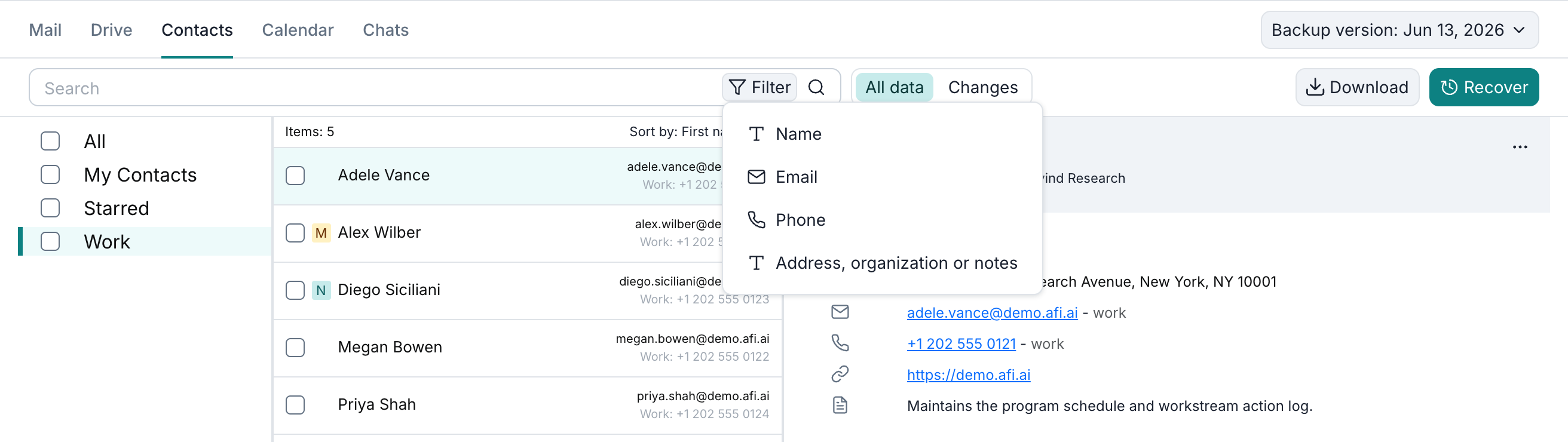
To search a specific field, open Filter and select it from the list.
Export
Google Contacts can be exported as PST and VCF. A user can select individual contacts or contact labels, as well as all contacts inside a mailbox, for export.

Recovery
A user can restore selected contacts, contact labels, or all contacts in a mailbox to the same or another user. The following recovery modes are available:
- Recover to a separate folder - restore selected contacts under a specified label. You can specify your own label name or proceed with a system-generated one (
Restored by AFI/<date>). - Overwrite existing content - restore selected contacts in place. This recovery mode should be used with caution as it will replace items that already exist in the restore destination mailbox in case of a conflict. Any other existing items that don't conflict with the data being restored are preserved upon restore.
This example restores the Johanna Lorenz contact under Restored by AFI/2023-12-17 01:52:50.
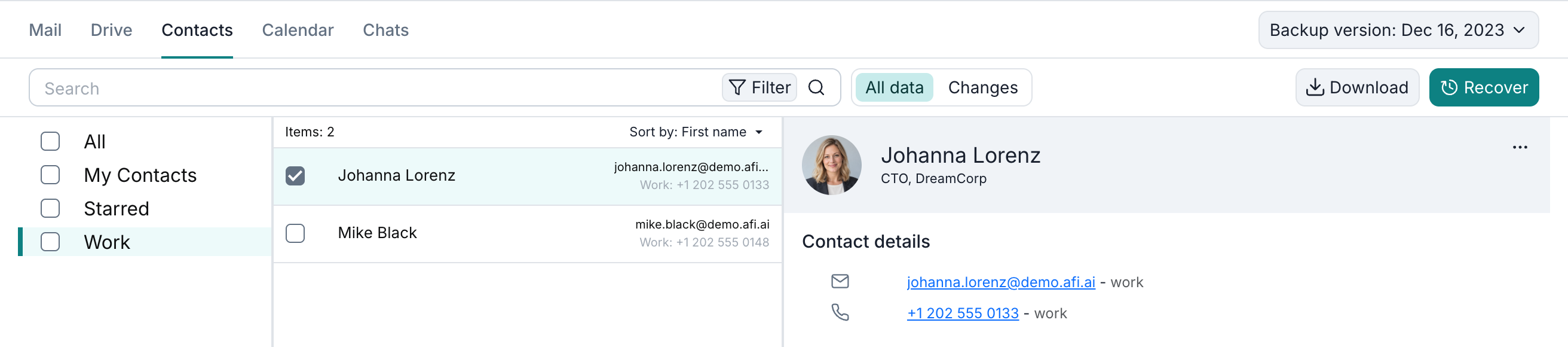

Here is an example of a contact restored under a separate label by Afi:
